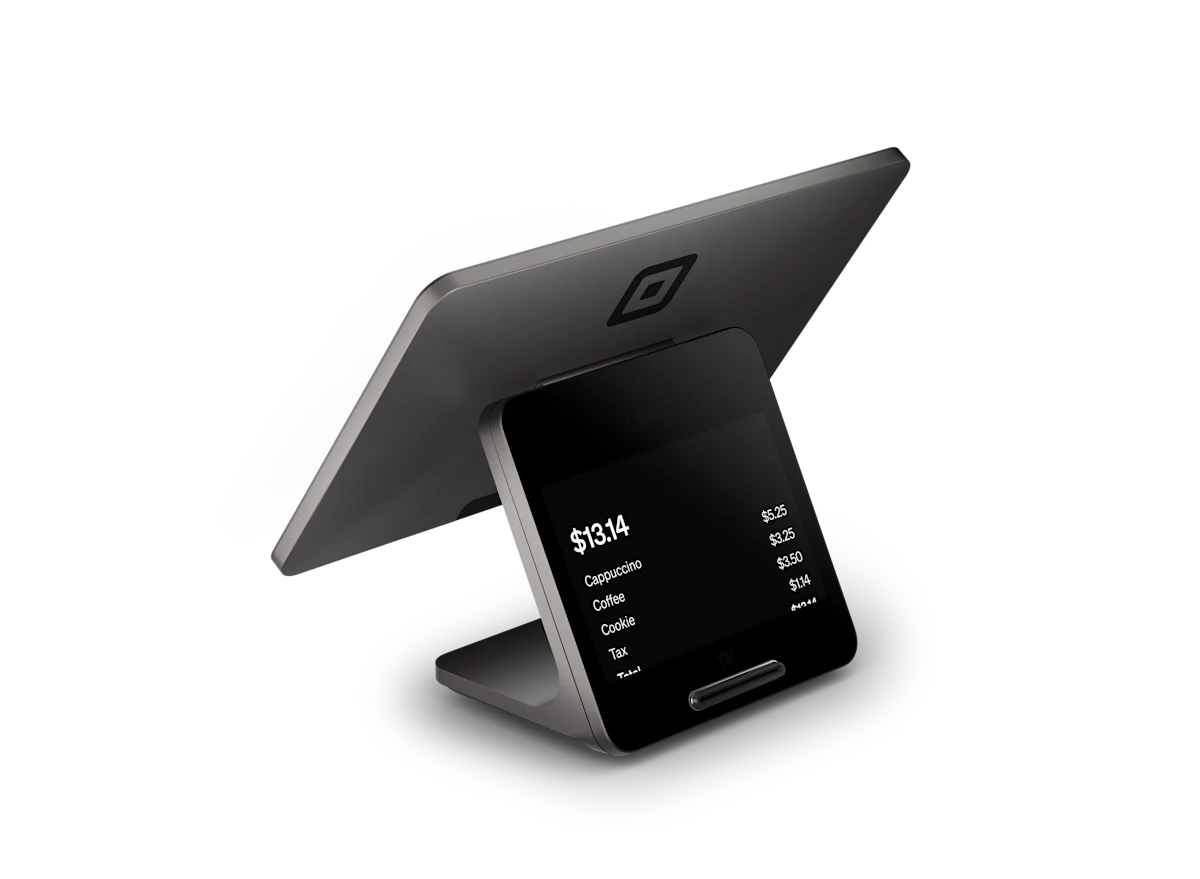
Square Register
Front-of-house command center for the host stand or bar.
Independent authorized reseller of Square

From counter-service cafes to full dining rooms, Square for Restaurants keeps orders flowing, kitchens synced and tips split — while we handle setup, menu import and training.
 Authorized Square Reseller
What you get
Fire orders straight to the line with real-time KDS screens. No printers, no lost tickets, no shouting.
Map your dining room, manage seats and pace courses so every table gets perfect timing.
Unlimited modifiers, forced choices and 86'd items synced across every device instantly.
Tip pooling, splitting and tip-out reports that keep staff happy and payroll painless.
Keep taking card payments through internet outages. Square syncs everything when you reconnect.
See your best sellers, dead items and rush hours so you can price and staff with confidence.
Kitchen display system
An efficient kitchen display system you can rely on. Organize and fulfill orders from anywhere, in one affordable solution.
$30
Per month per device with Square Plus
$20
Per month per device with Square Premium
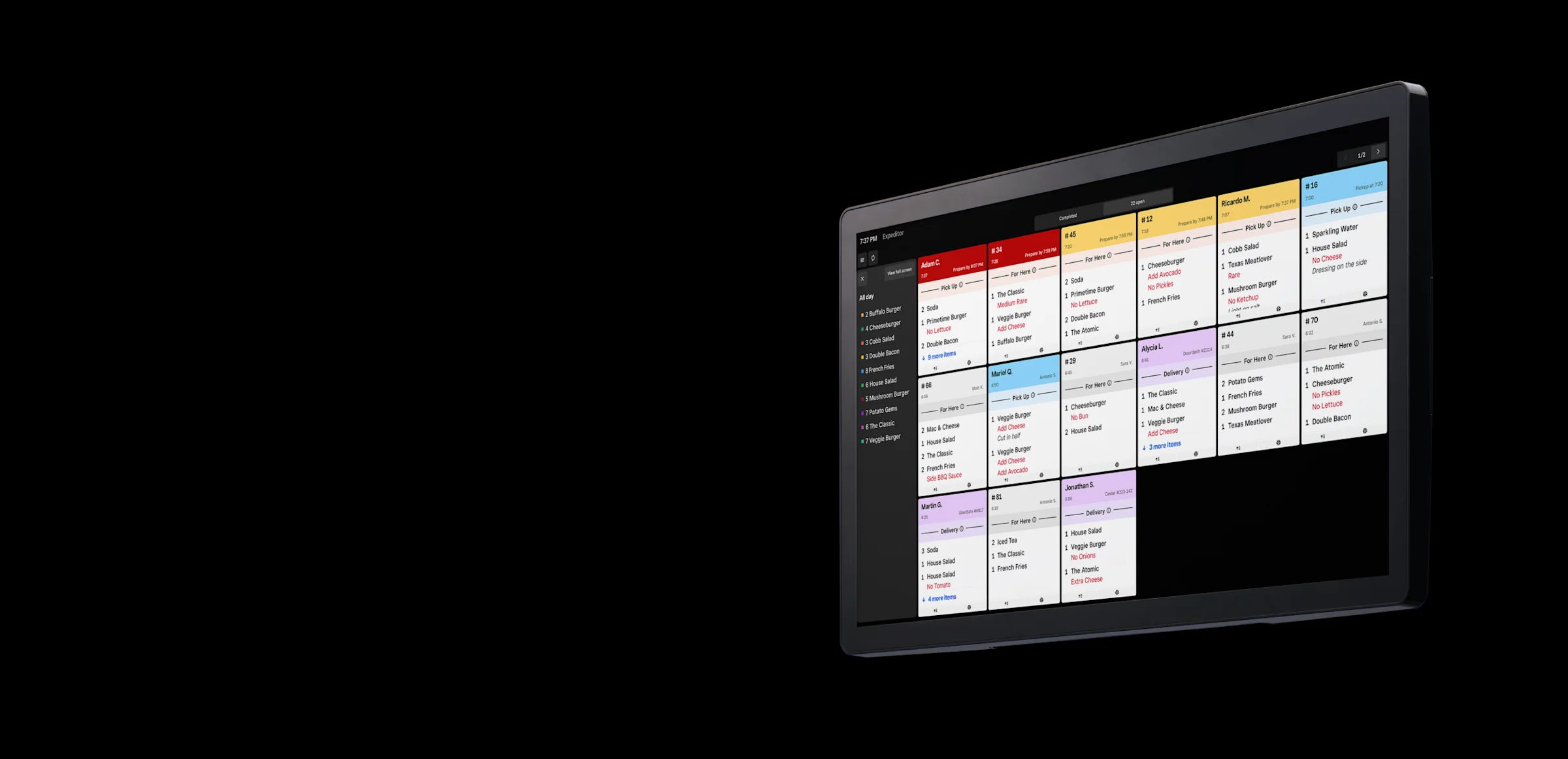
Keep orders synced with a direct link between front and back of house.
Customize ticket layouts, timers, and notifications to fit your kitchen’s unique setup.
Speed up operations with reports that give you insights on prep times and more.
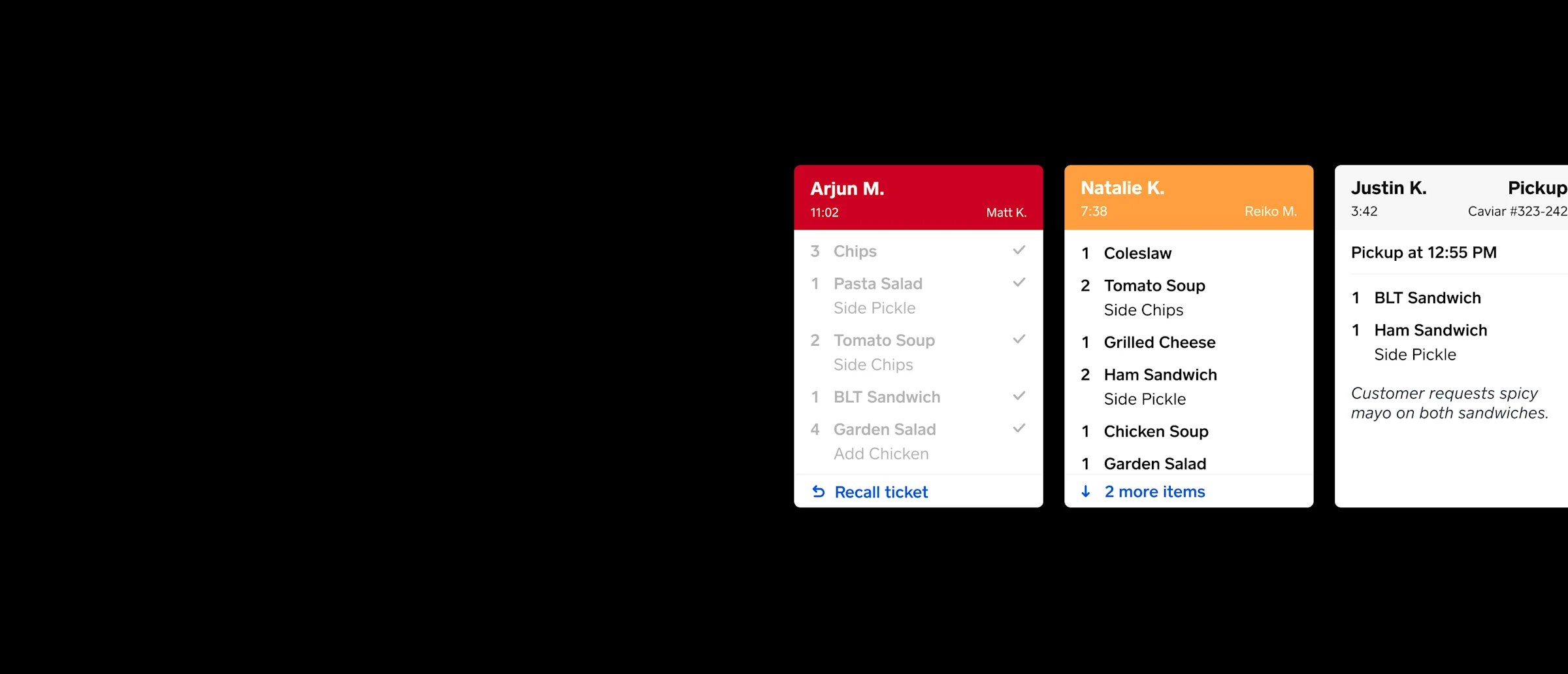
Whether you take orders through POS, your online ordering page, or delivery apps like Postmates, everything is sent to and fulfilled directly from the kitchen.
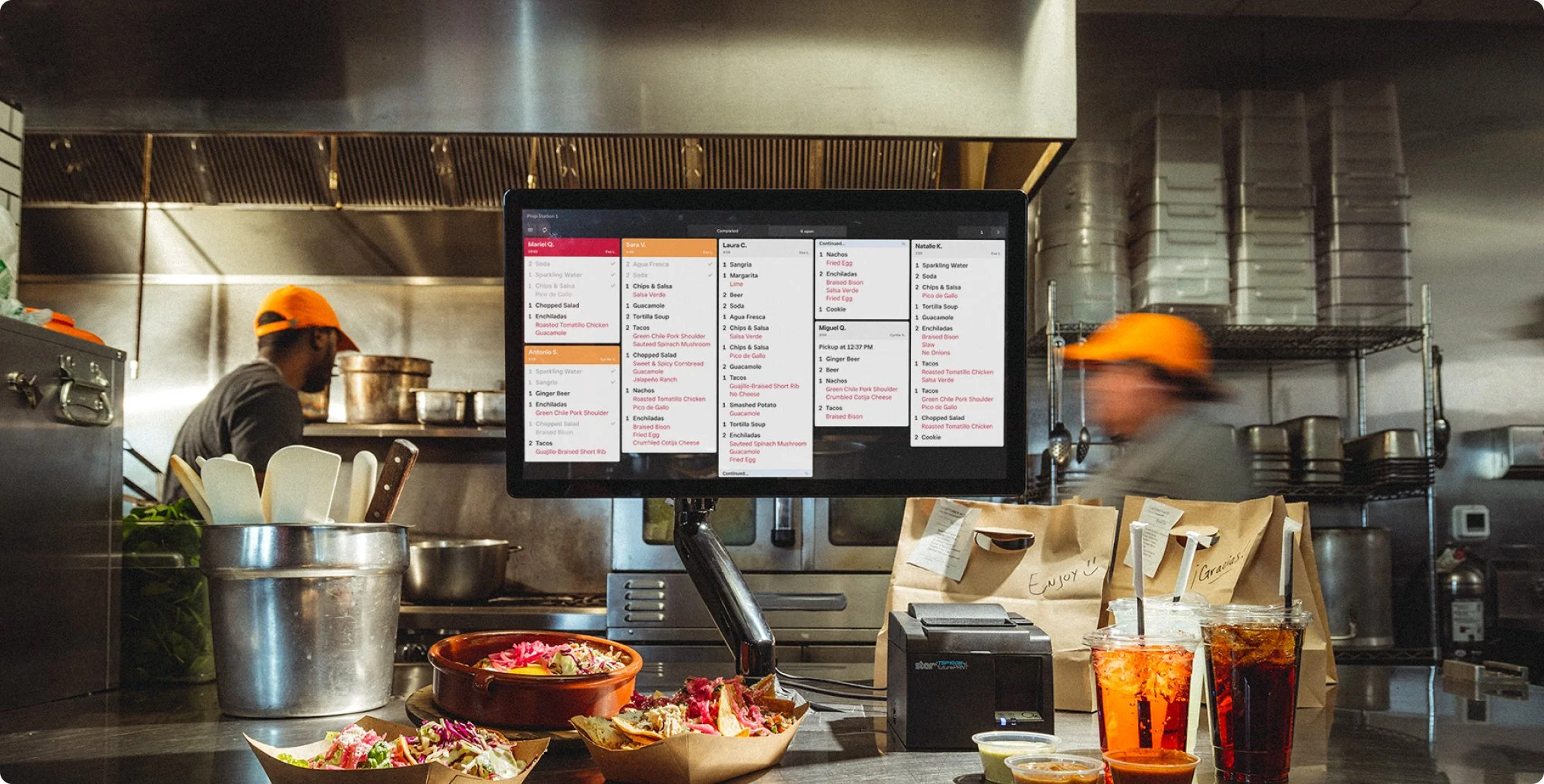
Designed for flexibility, Square KDS works with your kitchen setup and processes to get the job done.
Easy to set up in minutes, with no installation costs. Spend less time training your staff, and more time getting orders out.
Square KDS sellers, quoted as published by Square. They are Square customers, not clients of squarepossystem.com.
"The KDS system that Square has put out there is one of the best systems on the market. The fact that yours has wireless internet connection is an absolute gem."
"Our KDS setup was so easy for Android devices in our line kitchen. Our tickets come in instantly for prepping orders and marking items as complete. It’s great to have that two-way ticket interaction that paper receipts can’t offer."
"Square KDS is amazing. It has allowed us to scale from when we first started, to where we are at now. It’s very simple to use and serves us well."
"We’re a quickly-growing fast casual restaurant with multiple locations in the heart of Manhattan. Our kitchen space is small, and our staff needs to move quickly. Square’s Android KDS helps us with easy-to-tap tickets and instant order details. The performance is great."
Square Kiosk
One seamless, reliable system. Kiosk syncs with the rest of your Square setup. Price, inventory, and menu changes made in Square reach every kiosk automatically. Orders land on your KDS in real time, and guests pay and earn rewards on the screen.
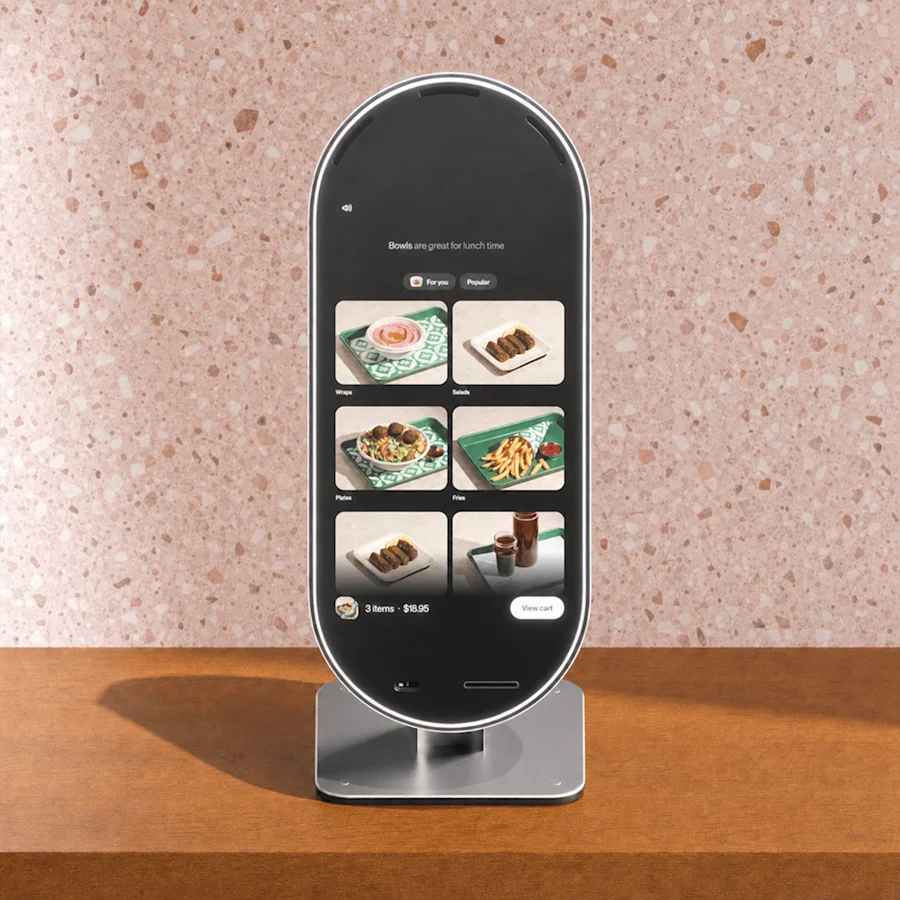
Answers questions, speeds up orders, and spotlights your menu so your team can focus on hospitality.
A 21.5-inch display in rounded glass.
Floor, counter, wall, or VESA mount available. Connect over Wi-Fi or wired Ethernet.
Three directional microphones with AI noise filtering.
A time-of-flight sensor reads distance and direction of approach, so the screen wakes before they reach it.
A finished back, hidden cords, and a slim profile that looks good from any angle.
A quick setup in your Square Dashboard, and Kiosk knows your menu, your prices, and what sells. Guests get real answers from the first order, and everything lands in the Square tools your team already runs.
Ordering
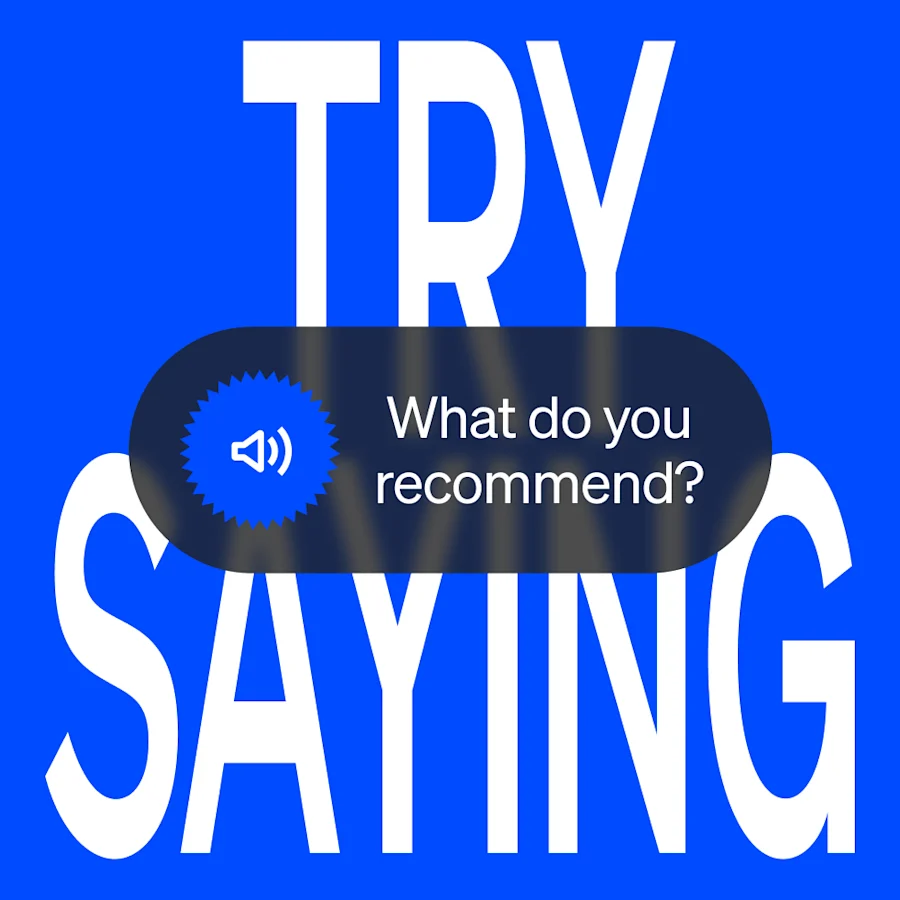
Guests can order by talking, tapping, or both. Either works at any point in the order.
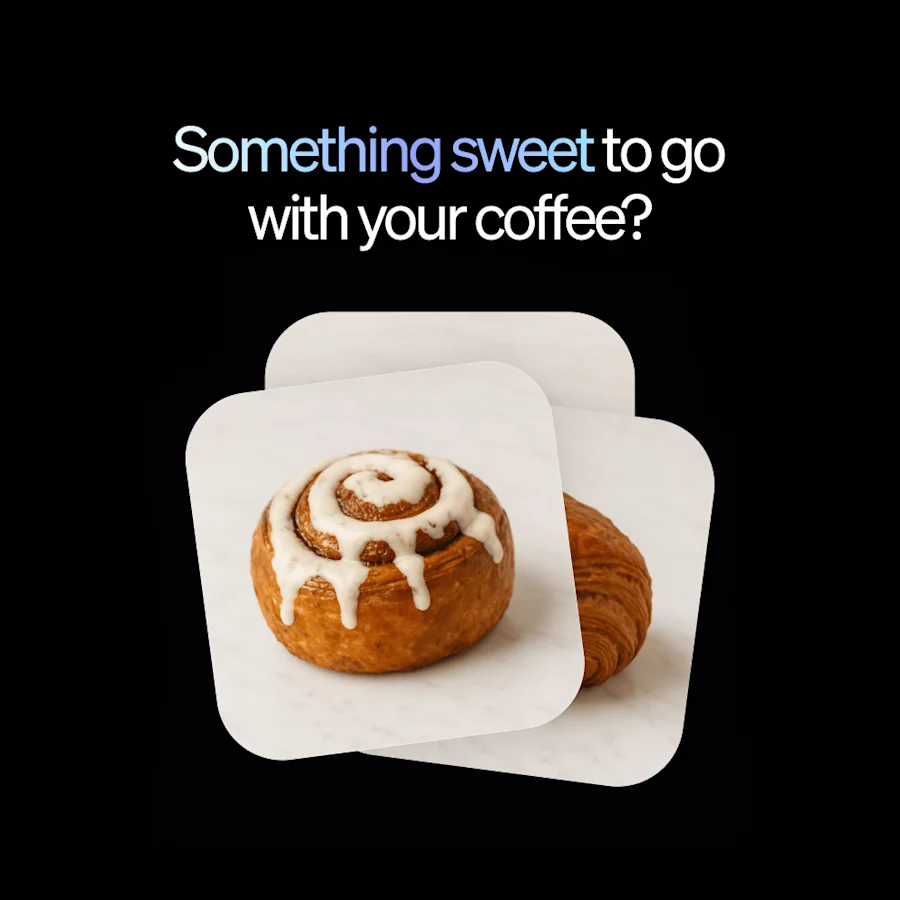
Kiosk knows your menu and your sales data, so it’s able to answer guest questions and suggest what goes with an order.
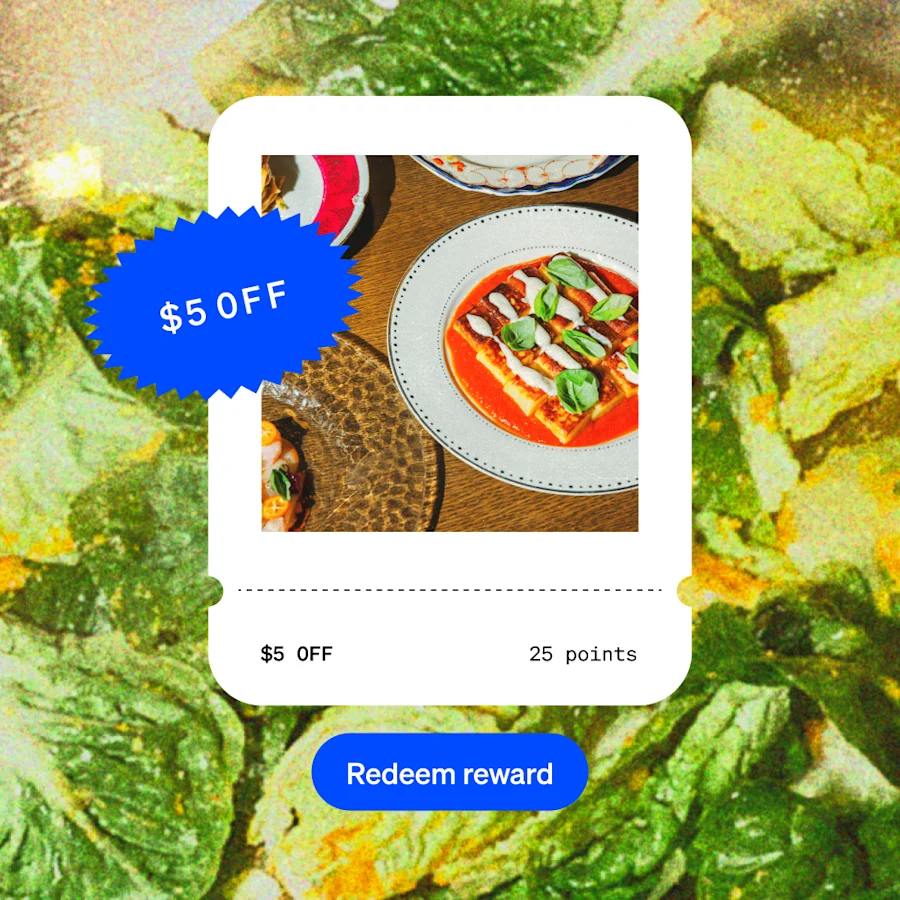
Regulars check in, earn, and redeem without a trip to the counter. Works with Square Loyalty, with more to come.
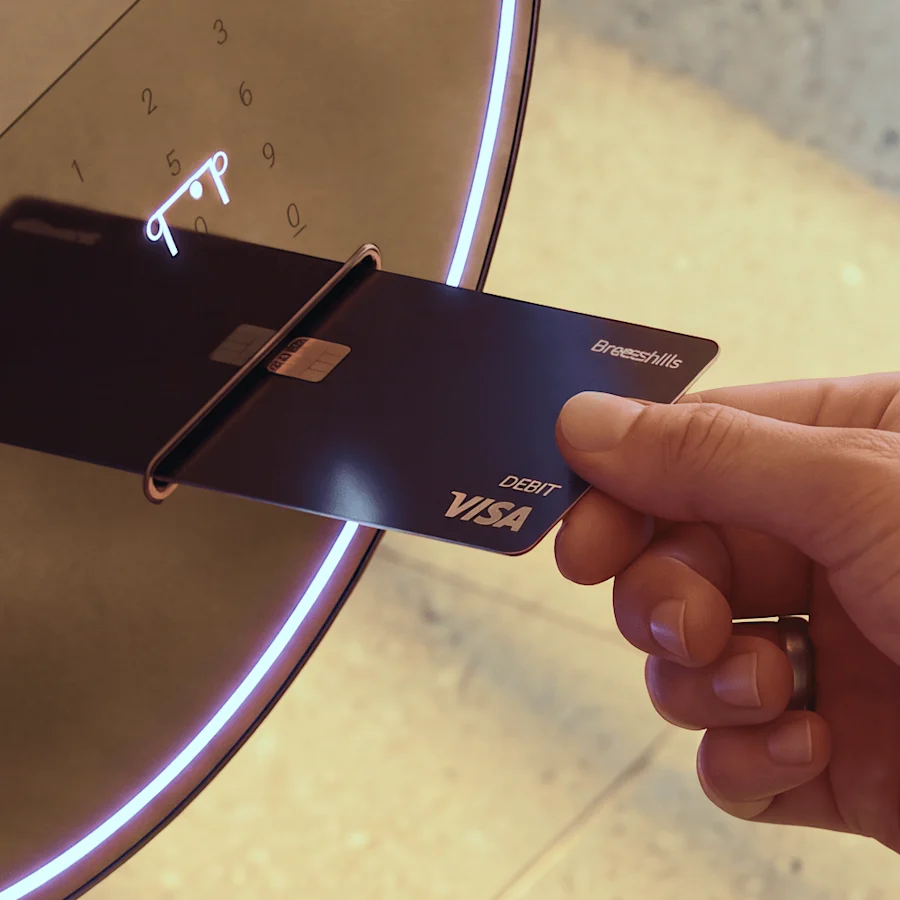
Tap, dip, and PIN are built in. Nothing else to buy, connect, or manage.
Operations
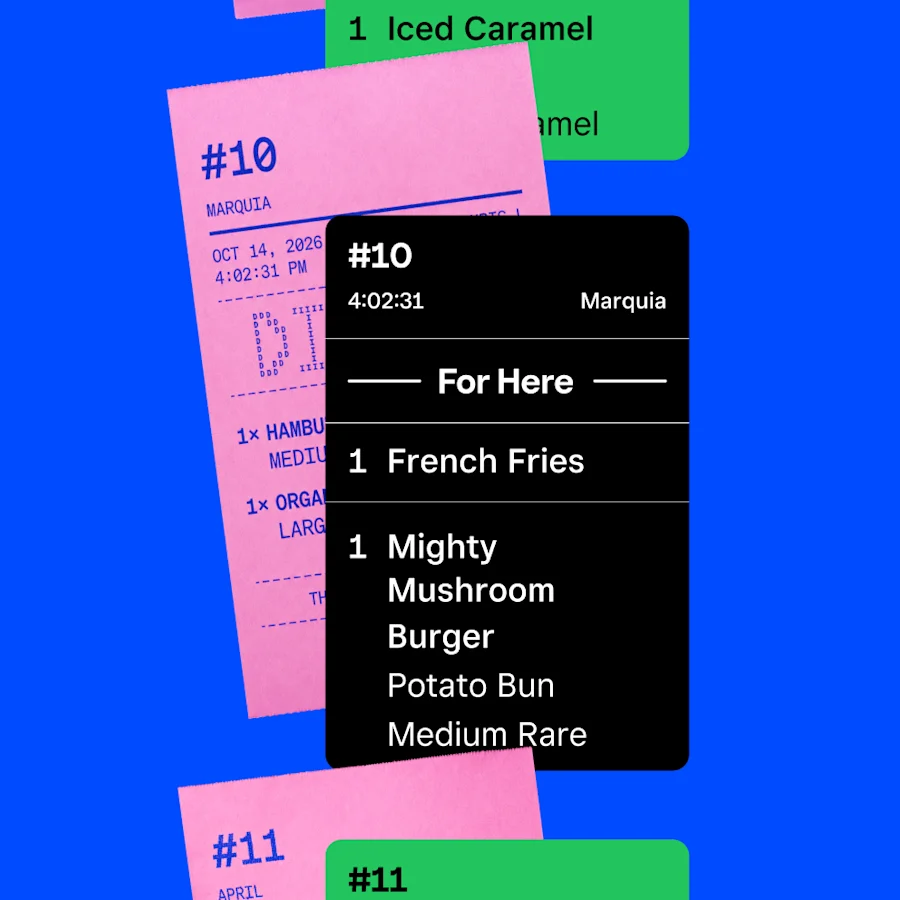
Reliably connects to your KDS, printers, point of sale, Dashboard, and other operations built by Square, so there's nothing to stitch together.
Menu, prices, and modifiers transfer over easily from your Square account.
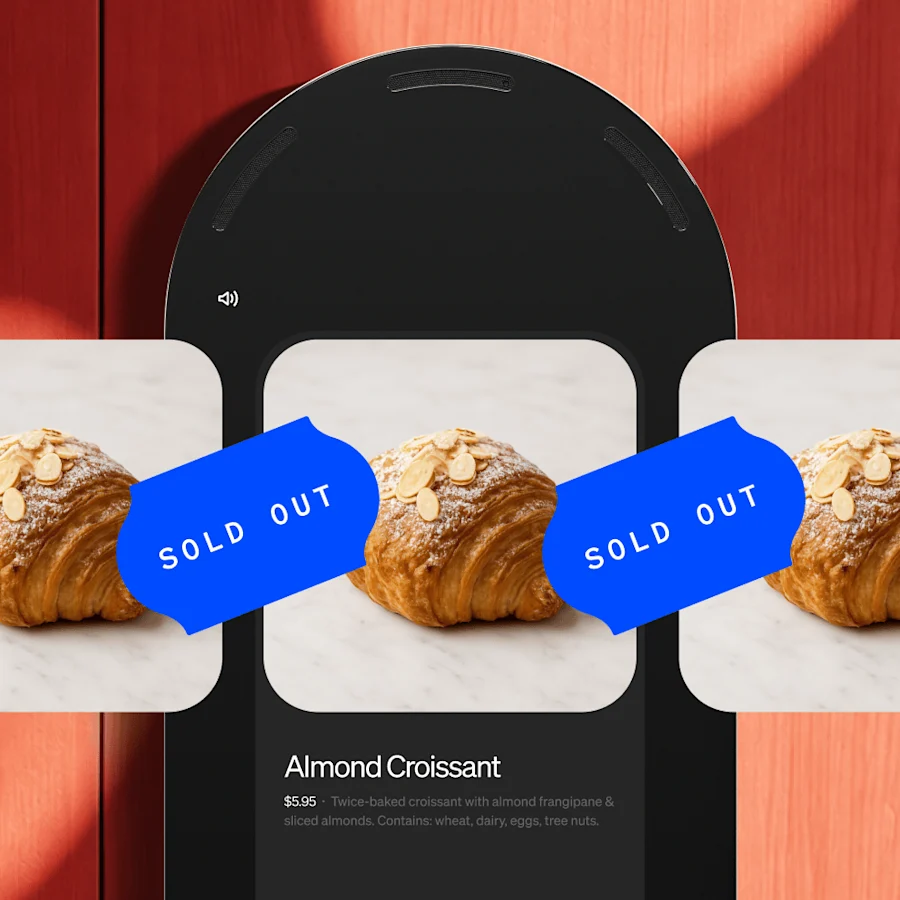
Mark an item sold out or change a price, and every kiosk follows.
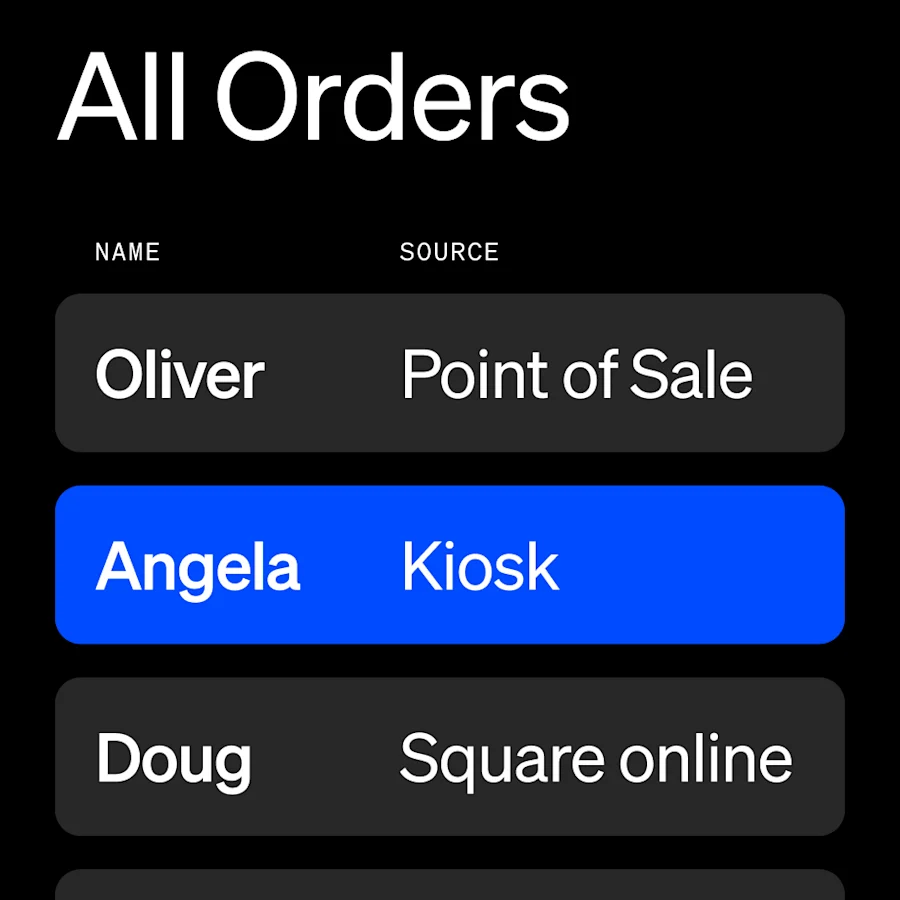
Kiosk orders show up in your Square dashboard alongside your counter and online sales.
Hardware
$1,999
with counter stand¹, or $97/mo. over 24 months²
Software
$99/mo.
per device with Square Plus³ (only available in English at the moment)
Processing fees
2.5% + 15¢
per tap or dip with Square Plus³. Custom rates available for $250K+ businesses
Square’s more flexible and affordable option. Turn your iPad into a self-service kiosk with Square Stand and the Kiosk Lite app.
¹ Price shown includes counter stand; total price varies depending on stand type selected.
² All credit sale plans are issued by Block, Inc. Not available to merchants in AL, DE, MO, MS, NH, and TN. Purchase amounts must be from $49 to $10,000. APR is 15%. Available plan lengths vary from 3, 6, 12, and/or 24 month installments, depending on purchase amount. Sales tax, where applicable, will be due at checkout. All plans subject to credit approval and other factors.
³ Purchase and use of the new Square Kiosk requires an active Square Plus or Premium subscription. Subscribers of legacy pricing plans, such as Restaurants POS Plus or Premium, must switch to a Square plan to use Square Kiosk — you can do so in Dashboard or reach out to your Account Manager or Customer Support for help with your subscription and Square Kiosk order. Subscribers on other plans will be able to continue to use their existing Square Stand models with their existing plan.
Recommended bundle
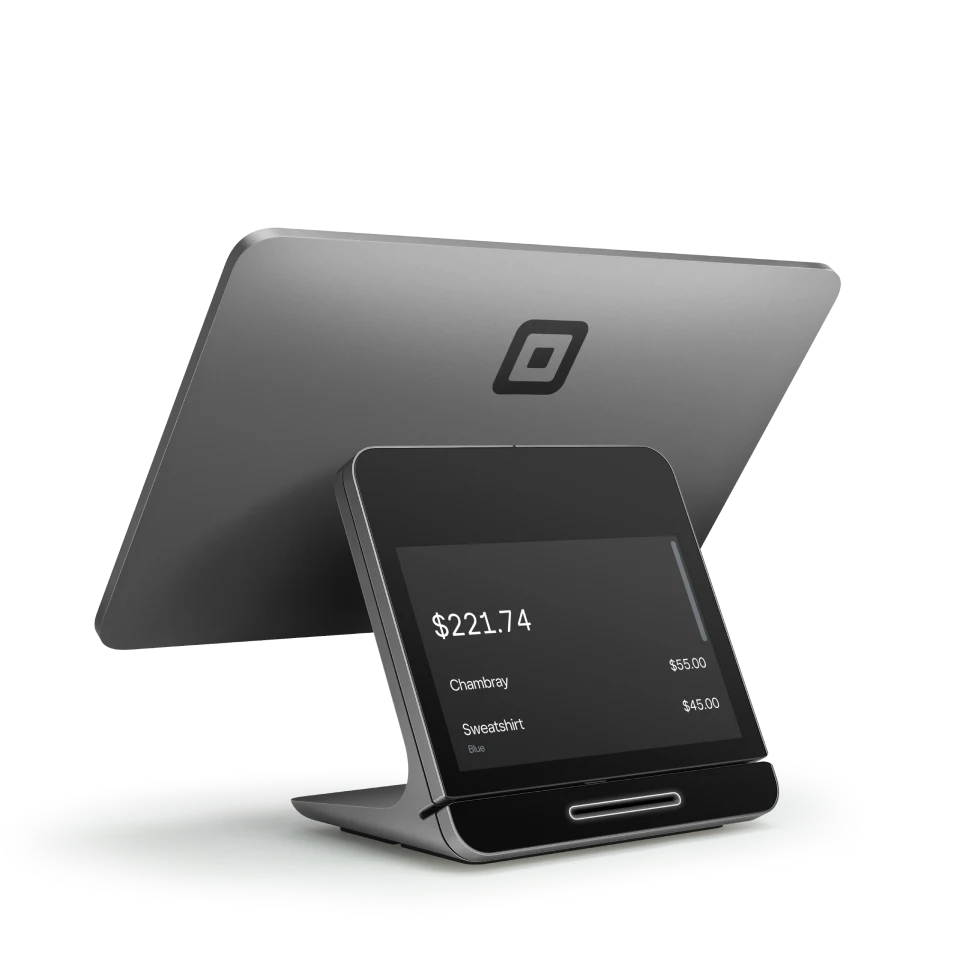
Front-of-house command center for the host stand or bar.
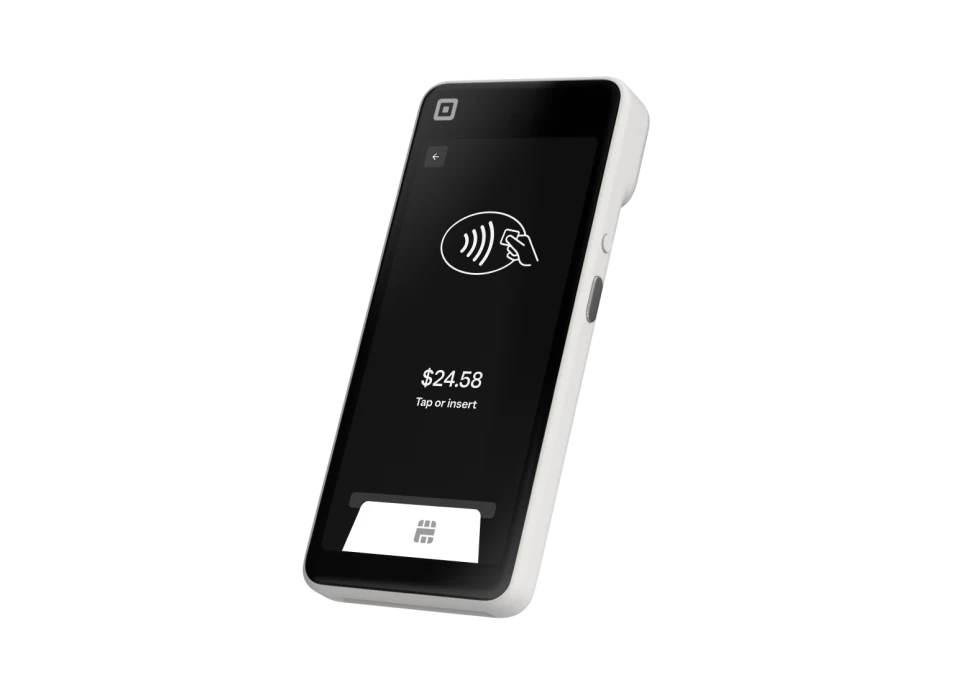
Tableside ordering and payments that cut ticket times.
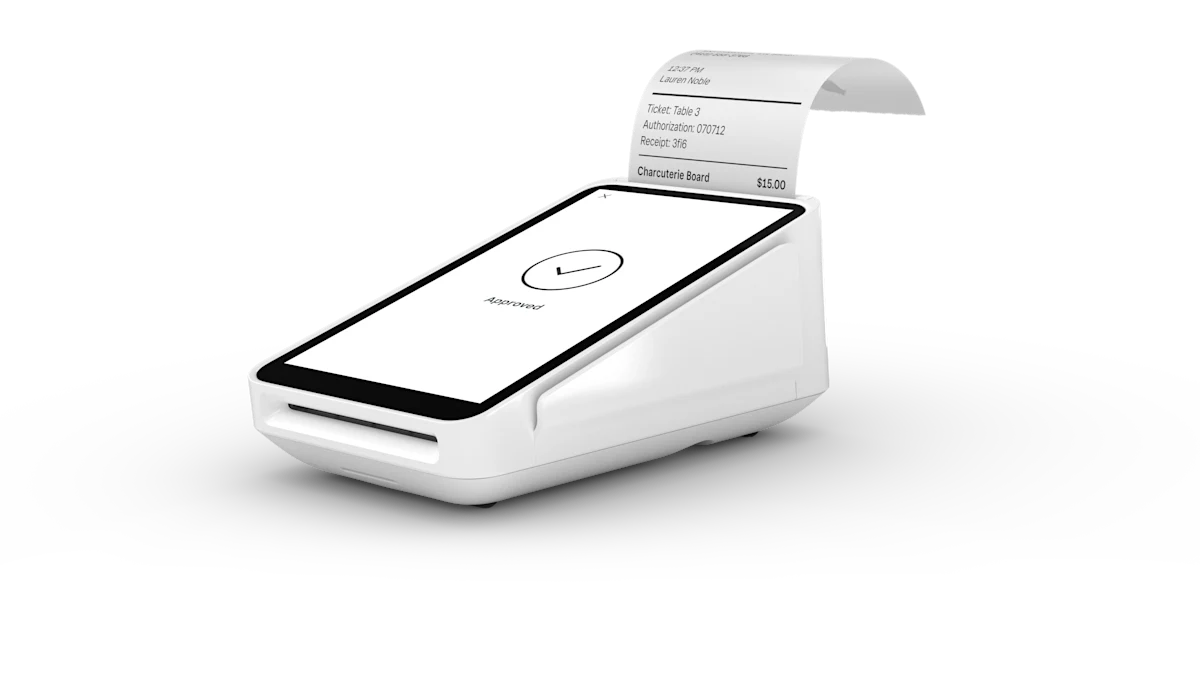
Compact all-in-one for the coffee bar or dessert counter.
Straight answers
Yes. Square for Restaurants supports floor plans, coursing, seat-level ordering, split checks and tip management. Through squarepossystem.com you get the hardware bundle sized to your dining room plus menu setup included.
Square supports its own Kitchen Display System as well as standard kitchen printers. We configure routing — appetizers to cold line, mains to hot line — during your free setup session.
Square charges flat transparent rates per transaction with no monthly contract required. Ask us for a custom quote — high-volume restaurants often qualify for custom rates we can help negotiate.
Square KDS is a Kitchen Display System application that is Android-operated and allows you to view, track, and fulfill orders via digital tickets in your back of house, replacing traditional paper tickets and kitchen printers. KDS on Android is available for purchase on Square Shop.
Square KDS starts at $30 per month per device (Square Plus) or $20 per month per device (Square Premium). For restaurants that need multiple KDS stations together with a more advanced point of sale, Square recommends the Square Premium plan. A Square Plus or Square Premium subscription is required to use KDS.
If you’re new to Square, you’ll first need to create an account. Next, head to your Square Dashboard to set up your KDS device(s). You’ll also need to download the Square KDS app on the Google Play Store to your Android device. Once activated, you can customize your KDS settings.
Square KDS is compatible with Android devices.
A self-ordering kiosk lets guests browse, order, and pay without a cashier. Square Kiosk adds intelligence and voice, so they can also ask menu questions, navigate your menu, and place complex orders more quickly and easily.
Yes. Guests can say what they want in their own words, filter the menu, and ask questions with their voice. Three directional microphones with AI noise filtering help Square Kiosk hear guests in a busy restaurant. Touch remains available throughout.
Self-ordering kiosks are designed to help restaurants take more orders during busy periods, and suggested upsells are designed to help grow order values. Results vary by business.
Orders will automatically sync with your POS hardware. You can manage these orders without any additional hardware in the Square POS app or from your Dashboard. Use of kitchen display, kitchen printers, or receipt printers (all sold separately) with Square Kiosk currently requires connection to Square POS hardware. Direct connection to a receipt printer is coming soon.
Choose a floor, counter, wall, or compatible VESA mount, connect over Wi-Fi or wired Ethernet, and sign in to your Square account. If you have an existing kiosk menu, your items, prices, and modifiers can be easily transferred and adjusted.
Square Kiosk is Square’s most robust self-service solution, with a 21.5-inch display, AI and voice ordering, and integrated payments. If you’re looking for a lower-cost solution, Square Stand with the Square Kiosk Lite app offers a flexible setup for an iPad-based self-service kiosk.
Square Kiosk is designed to handle the realities of a busy restaurant. The hardware and software apply AI noise filtering to distinguish between the person or group ordering versus background noise, and customers can always defer to touch. Square recommends placing multiple kiosks at least 24” apart. Square Kiosk’s voice capabilities may not be equipped to handle more extreme environments, like music venues, and touch is recommended for these situations.